
See any rug in your own room.
Upload a photo and see how our rugs look on your floor, before you buy.
- Use your own photo or one of our model rooms
- Try any size, colour, and pattern
- Free, on your phone or computer
How to use the rug visualizer
Four steps, about a minute.
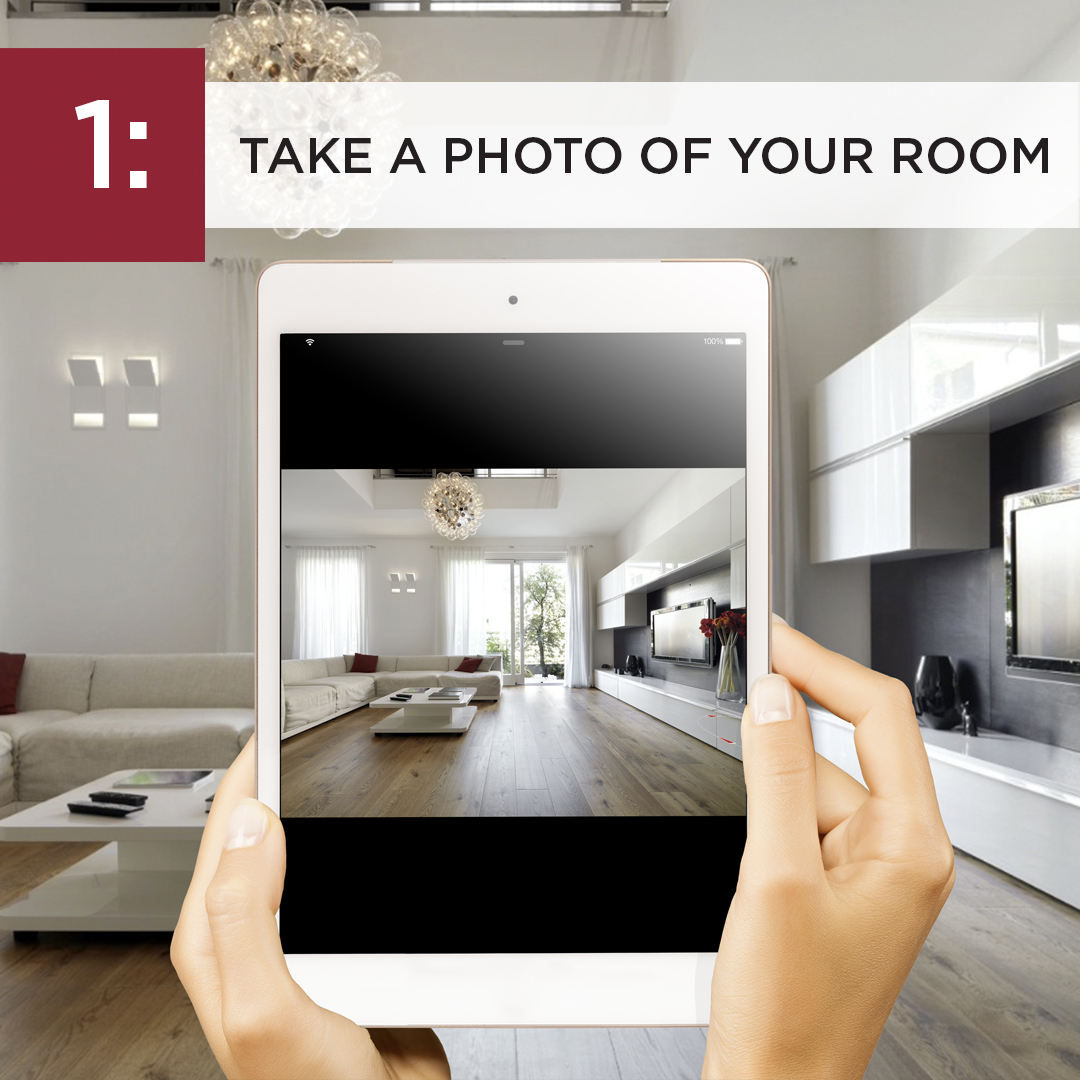
Take a photo of your room
Shoot in daylight, from standing height, with the whole floor in view.

Open the visualizer
Tap Try rugs in my room. It opens right here on this page.
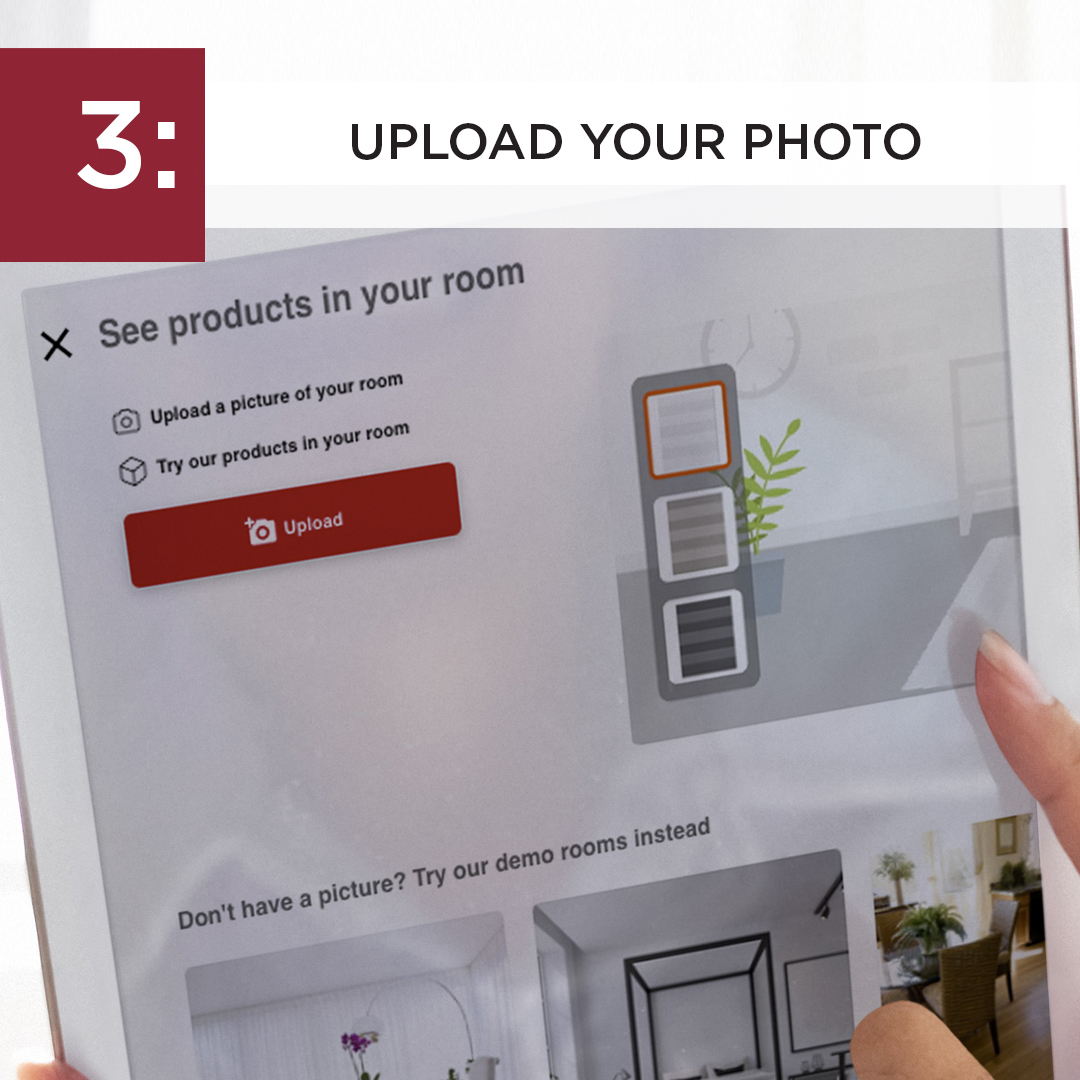
Upload your photo
Tap Upload, or try one of our demo rooms instead.
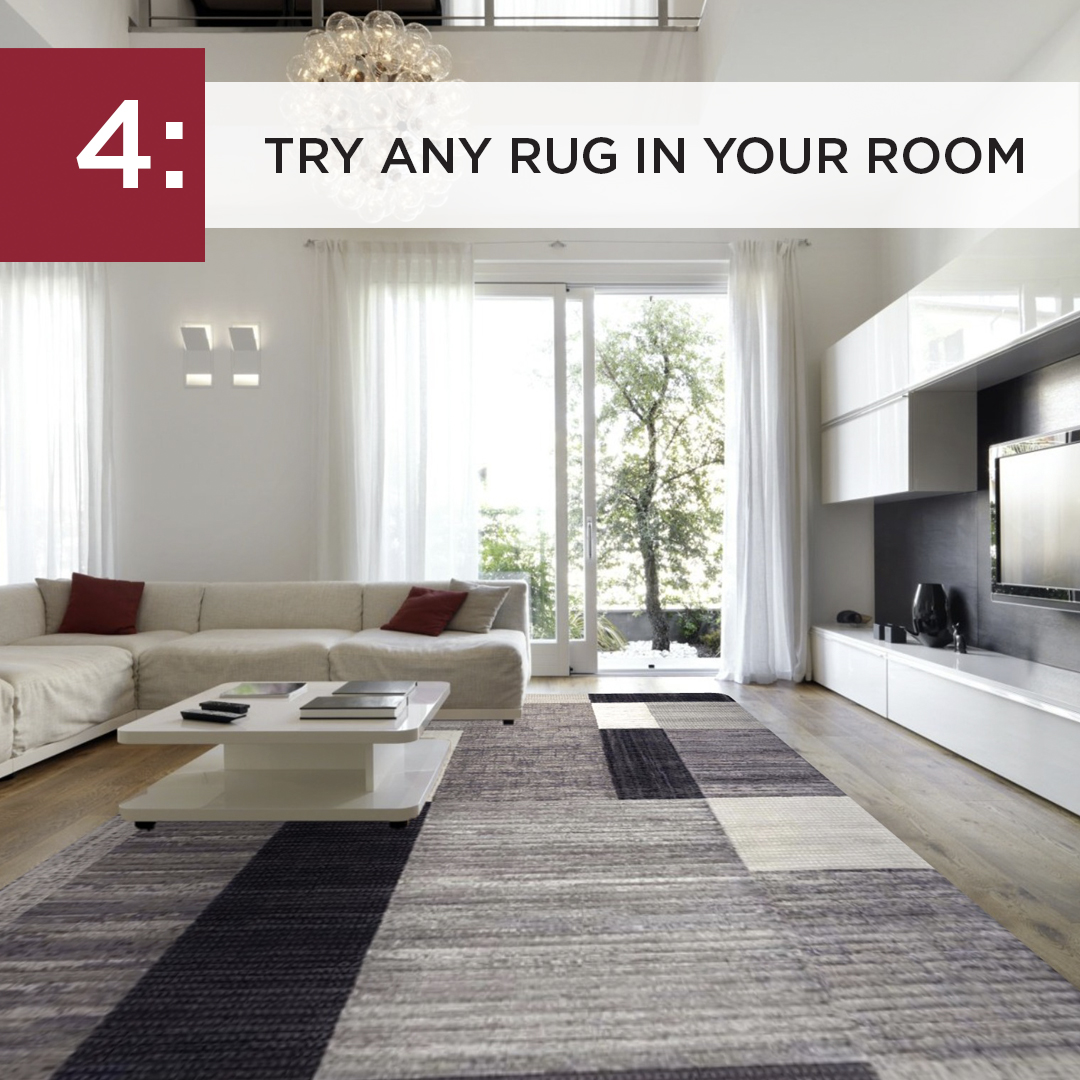
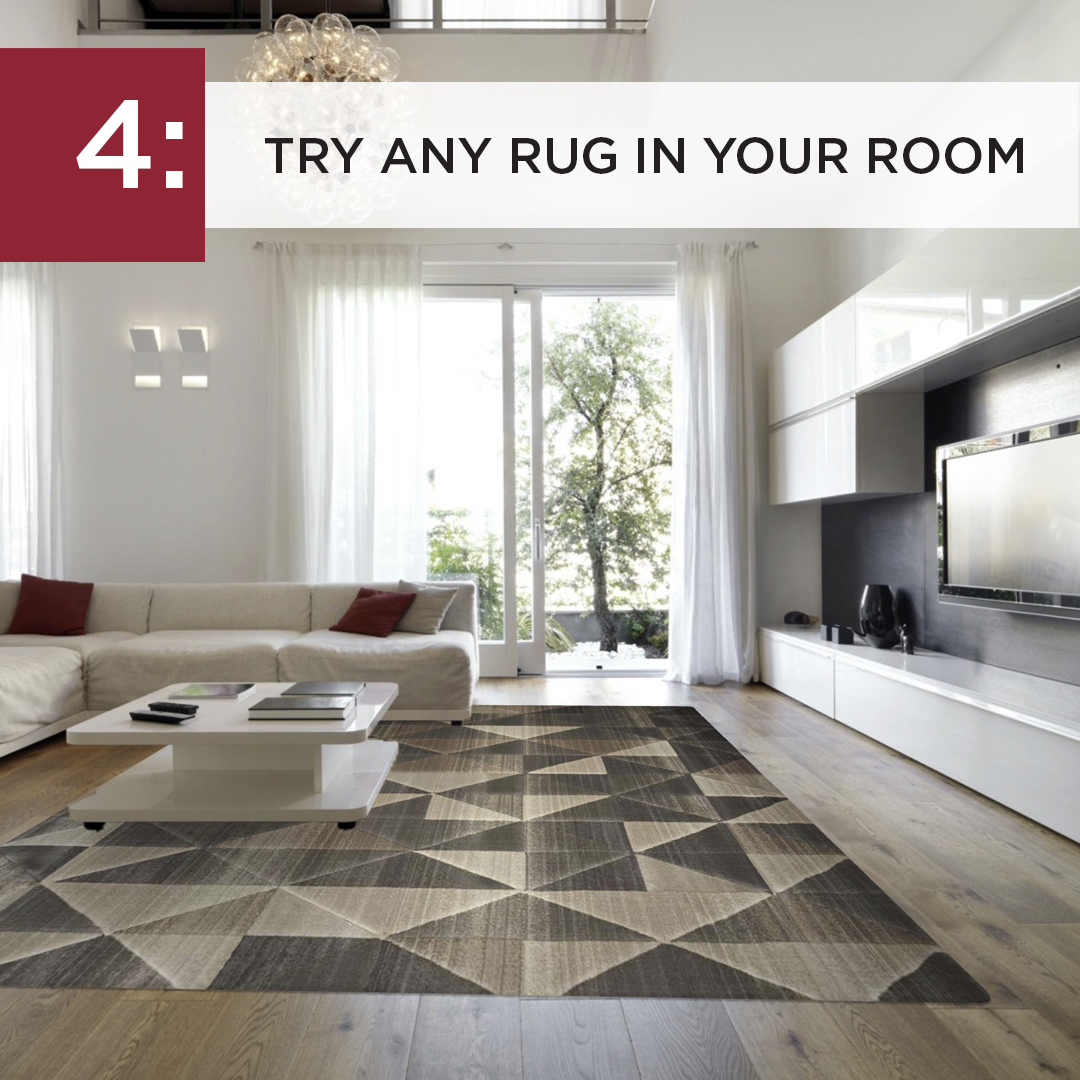
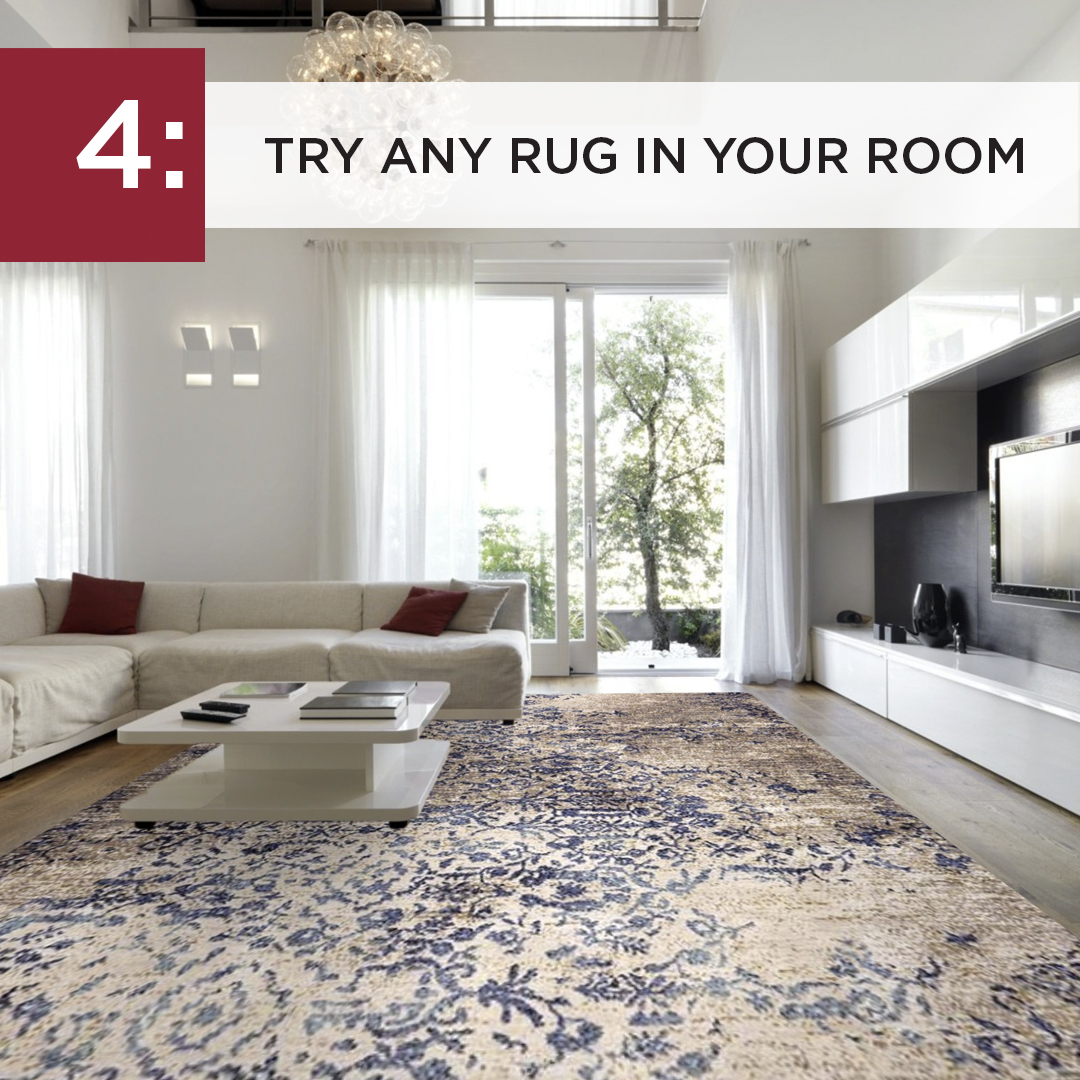
Try any rug in your room
Tap a rug to see it on your floor, then swap in others to compare.
Book a free consultation
Found a rug you love? An expert can help with size, colour, and fit. No obligation.
Ask your expert about paying nothing for 12 months with no interest.
Prefer to talk? Call 1-866-878-2525 · Mon–Fri 9am–5pm EST
- Since 1925A century of floors in Ontario
- 17 storesFrom Barrie to Kingston to London
- 4.6 on GoogleFrom 2,400+ reviews
- Expert installationFrom measure to finish
“He found me the perfect rug based on my criteria, preferences & budget. Got a great deal and it couldn’t have been any easier.”Patrick, Burlington · 5 stars on Google
“I recently purchased a large area rug from Alexanian Carpets in Barrie. The experience I had in this store was excellent.”Diane, Barrie · 5 stars on Google
“The staff in the store were so friendly and not pushy at all! They were so helpful with our choice.”Marie, Guelph · 5 stars on Google
Questions we hear a lot
Does it work on my phone?
Yes. Take a photo with your phone and start trying rugs right away. It works on any computer too.
Can I see a rug in a furnished room?
Yes. The rug appears on the floor of your own photo, with your furniture in place.
How do I get the most accurate look?
Take your photo in daylight, from standing height, with the whole floor in view.
What size rug do I need for my living room?
In a standard living room, start at 8×10, and go to 9×12 once the room is bigger than about 12 by 14 feet. If you’re torn between two sizes, buy the larger one, since a rug that’s too small is the mistake you’ll notice.
Have a question we didn’t cover? Your expert will answer it at your free consultation.
Found the one?
Get a free consultation with an area rug expert, at your nearest store or in your home.
Prefer to talk? Call 1-866-878-2525 · Mon–Fri 9am–5pm EST